

Start with what’s on your mind.
Turn a topic or passage into a 5–20 minute study, with questions to help you think it through.
About short studiesLampstand for iPhone & iPad
Ask about a verse, a belief, or something you’re dealing with. Get an AI answer, then read the Bible passages and sources behind it.
Get the betaFree on TestFlight · iOS 26+

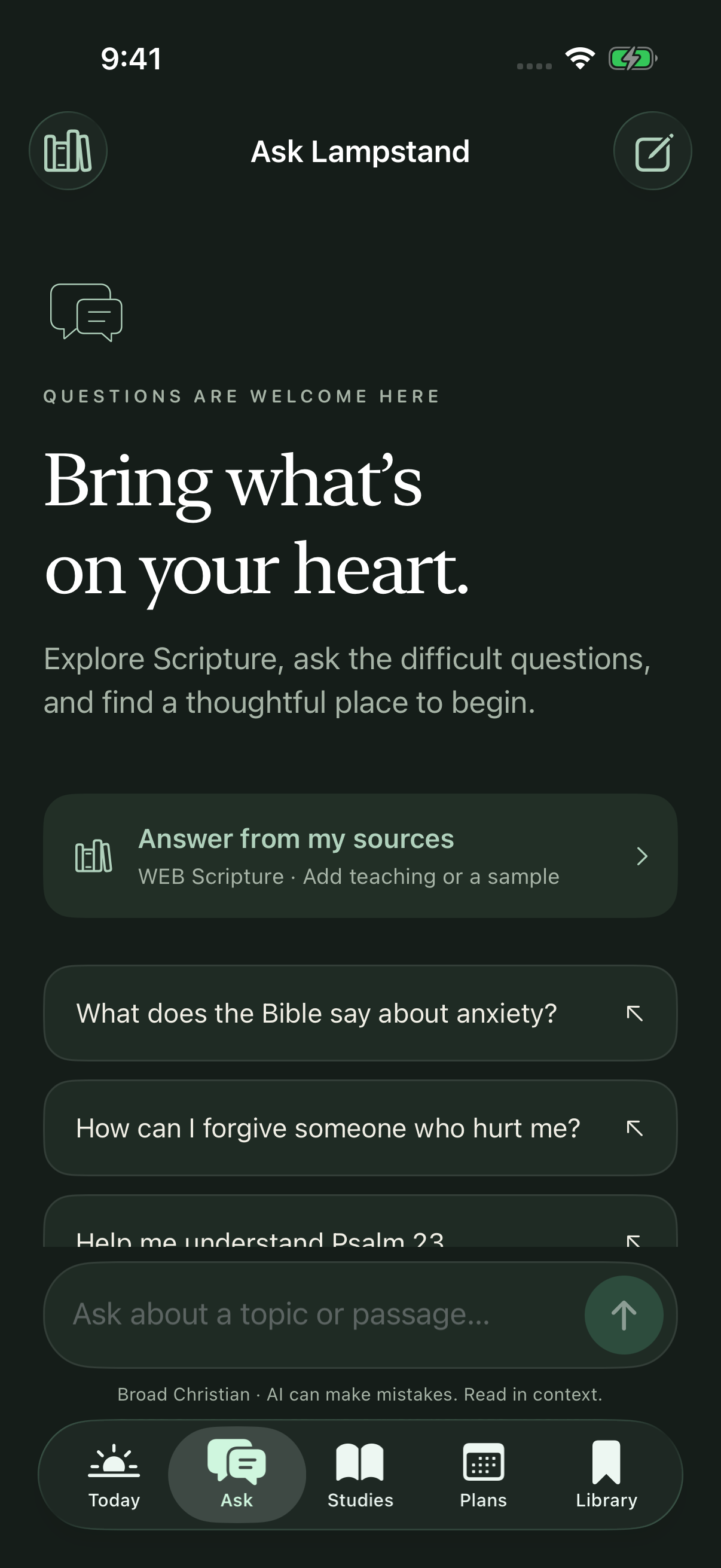
Ask Lampstand
Choose a Christian tradition, add teaching you trust, or paste a sample. Lampstand shows the Bible passages and source excerpts behind its answers.
Tap a citation. Read the passage. Decide what you think.
How sources workESV is the default online reader. AI answers and offline reading currently use the World English Bible while ESV API approval is pending.
Start with a topic, a passage, or a question.
Lampstand helps you work through it.
Turn a topic or passage into a 5–20 minute study, with questions to help you think it through.
About short studies
Build a 3, 5, 7, or 14-day plan for yourself, your family, or a small group.
About reading plansSave verses from your Bible app. Set a daily reminder. Pick up your reading plan from a Home Screen widget.